

Share Links
Section titled “Share Links”Share Links lets you send someone a track, album or artist without requiring them to use the same music service as you. They can open the shared item through their own Music Assistant instance, or follow one of its public music-service links.
Contributed and maintained by dmoo500.
NOTE
This plugin is in beta. Playlist sharing and playlist import are not supported.
Features
Section titled “Features”- Share individual tracks, albums and artists from their context menus
- Share tracks from the queue or fullscreen player
- Preview the shared item’s title, artist, artwork and public music-service links
- Find the item using the recipient’s own library and connected music sources
Configuration
Section titled “Configuration”- Go to Settings > Plugins > Add a plugin and select Share Links.
- Save the plugin configuration. No additional settings are needed for normal use.
Advanced: a different share page
Section titled “Advanced: a different share page”The share-page base URL is available under the plugin’s advanced settings. Only change it if you are using another deployment of the share page. The default is https://app.music-assistant.io/share; enter a custom base URL without a trailing slash.
Sharing and opening a link
Section titled “Sharing and opening a link”- Open a track, album or artist context menu and select Share.
- Copy the link from the share dialog and send it to the recipient.
- The recipient opens the link to preview the item. They can follow a music-service link directly, or enter the URL of their own Music Assistant instance and select Open in Music Assistant.
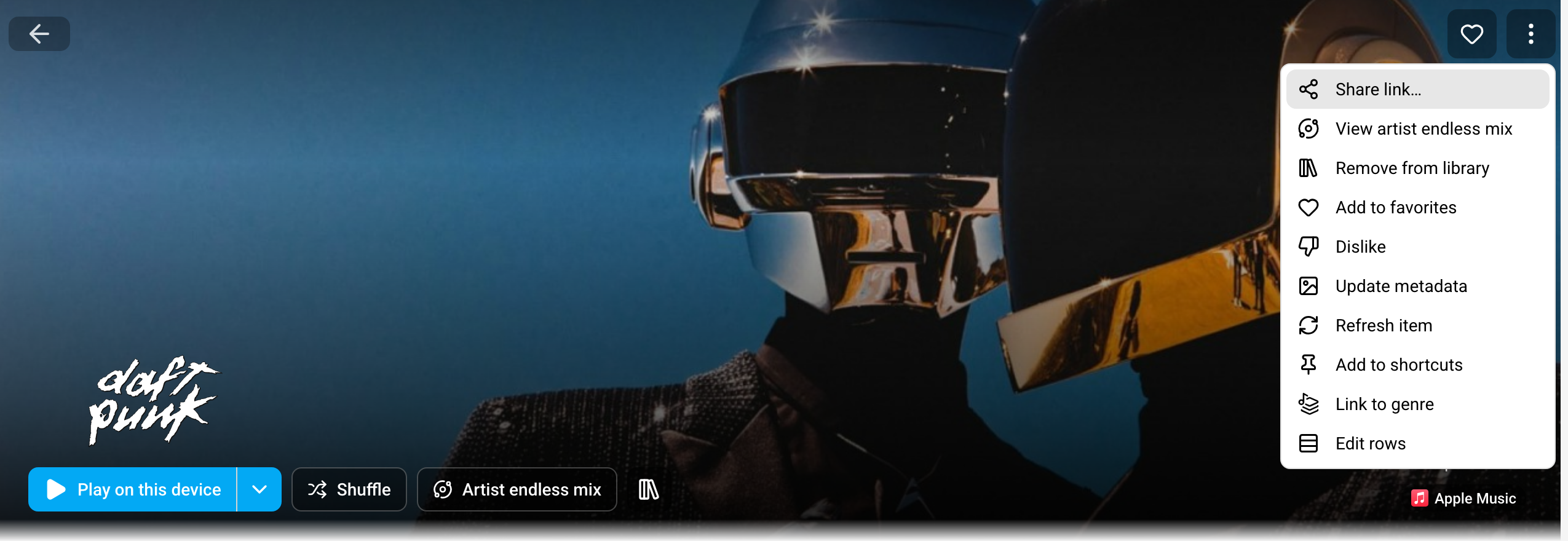
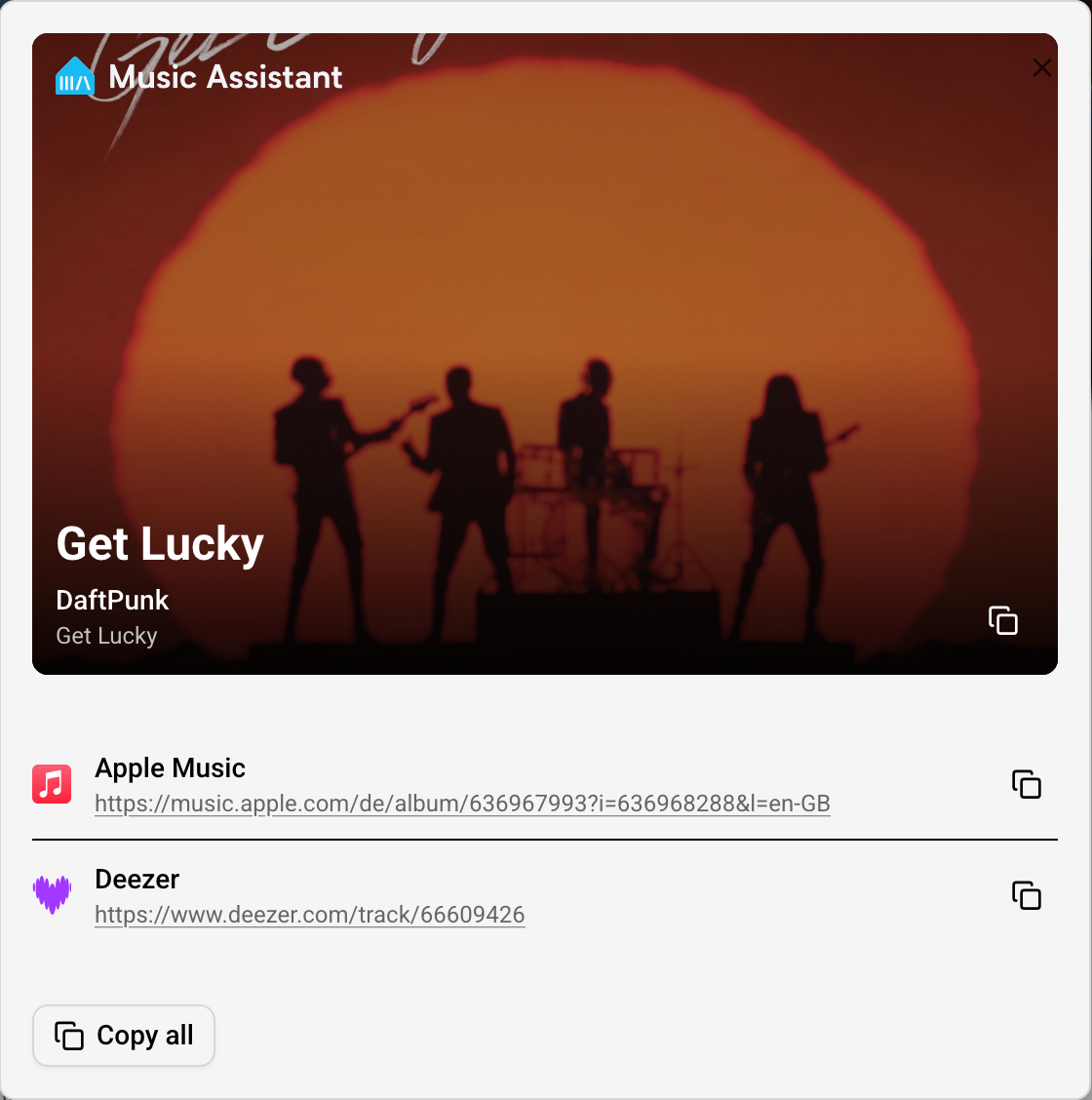
The share page remembers the recipient’s instance URL in their browser. The recipient needs a Music Assistant version with share-link support and the Share Links plugin configured, and must be able to access and sign in to their instance.
Your Music Assistant server does not need to be reachable by the recipient. Opening a shared item does not automatically add it to their library.
Known Issues / Notes
Section titled “Known Issues / Notes”- Finding a match depends on the recipient’s connected music sources, subscriptions, region and catalog availability. A match is not guaranteed.
- Links contain readable metadata, not audio. They do not include your Music Assistant instance URL or your service credentials.
- Anyone with the link can read its metadata, including the title, artist and public artwork and music-service URLs. Compression is not encryption.
- Loading artwork or opening music-service links contacts those external services.
This website uses privacy-first analytics to help us improve the site. You can view all data in our public dashboard.