

Player Provider Settings 
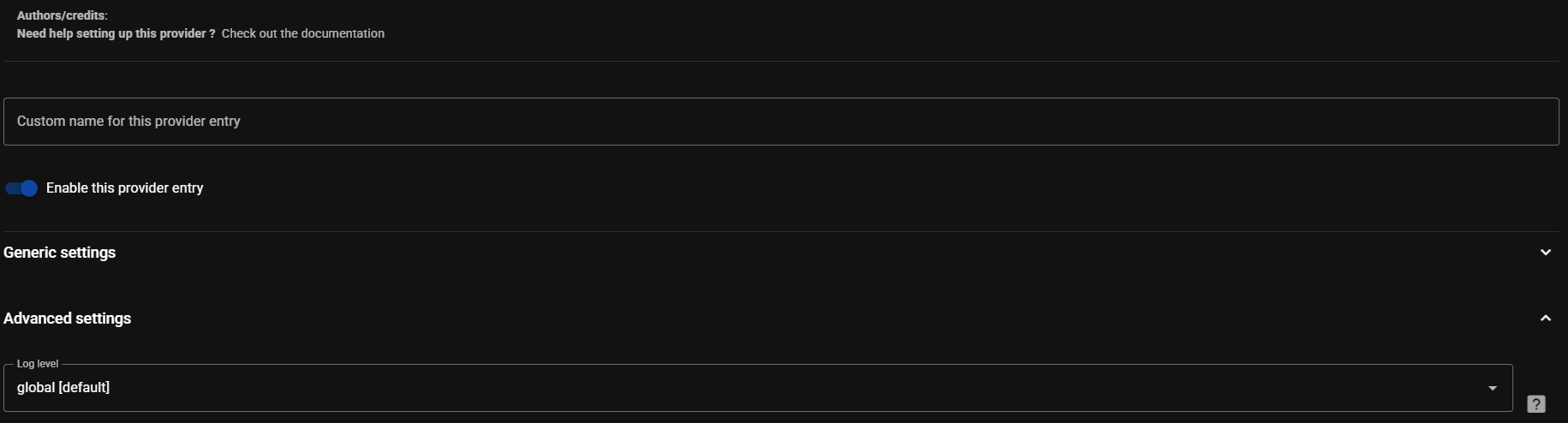
Section titled “Player Provider Settings ”All Player Providers have settings which can be configured. Selecting a provider in Settings → Player providers opens its page, which will look similar to the following. The Documentation button below the description opens the provider’s page in this documentation, and the Players row shows how many players the provider brings and opens them in the players list. Specific help for a setting or configurable field is often available and is accessed by selecting this icon  . All providers can be given a custom name with the pencil next to their name, and disabled from the ⋮ menu if necessary. All the settings are in one Options card, and some only show when the Show advanced settings toggle in its header is on. The log level can be adjusted for all providers and is one of the advanced settings. (Do not select Verbose unless asked for by a dev as it can have an adverse performance impact). See the provider pages for any provider specific settings (many have none) and the Individual Player Settings page.
This website uses privacy-first analytics to help us improve the site. You can view all data in our public dashboard.