

Mobile Devices
Section titled “Mobile Devices”Notification Screen Support
Section titled “Notification Screen Support”When you access the Music Assistant UI in a modern browser, a media player widget will be seen in the device’s notification or lock screen (this uses the browser’s Media Session feature). Support is available for the pause, play, next track, and previous track functions.
Whilst this functionality has been tested to work when using the iOS Home Assistant app to access the Music Assistant UI, the same can not be said for the Android Home Assistant app. If you want this functionality on an Android device, use a supported browser.
Android users should also note that they may observe a label “This Phone” when observing playback on a remote device. This is a limitation of the Android OS.
If the media player widget is not seen then a different, supported browser will need to be used.
Official Mobile Apps
Section titled “Official Mobile Apps”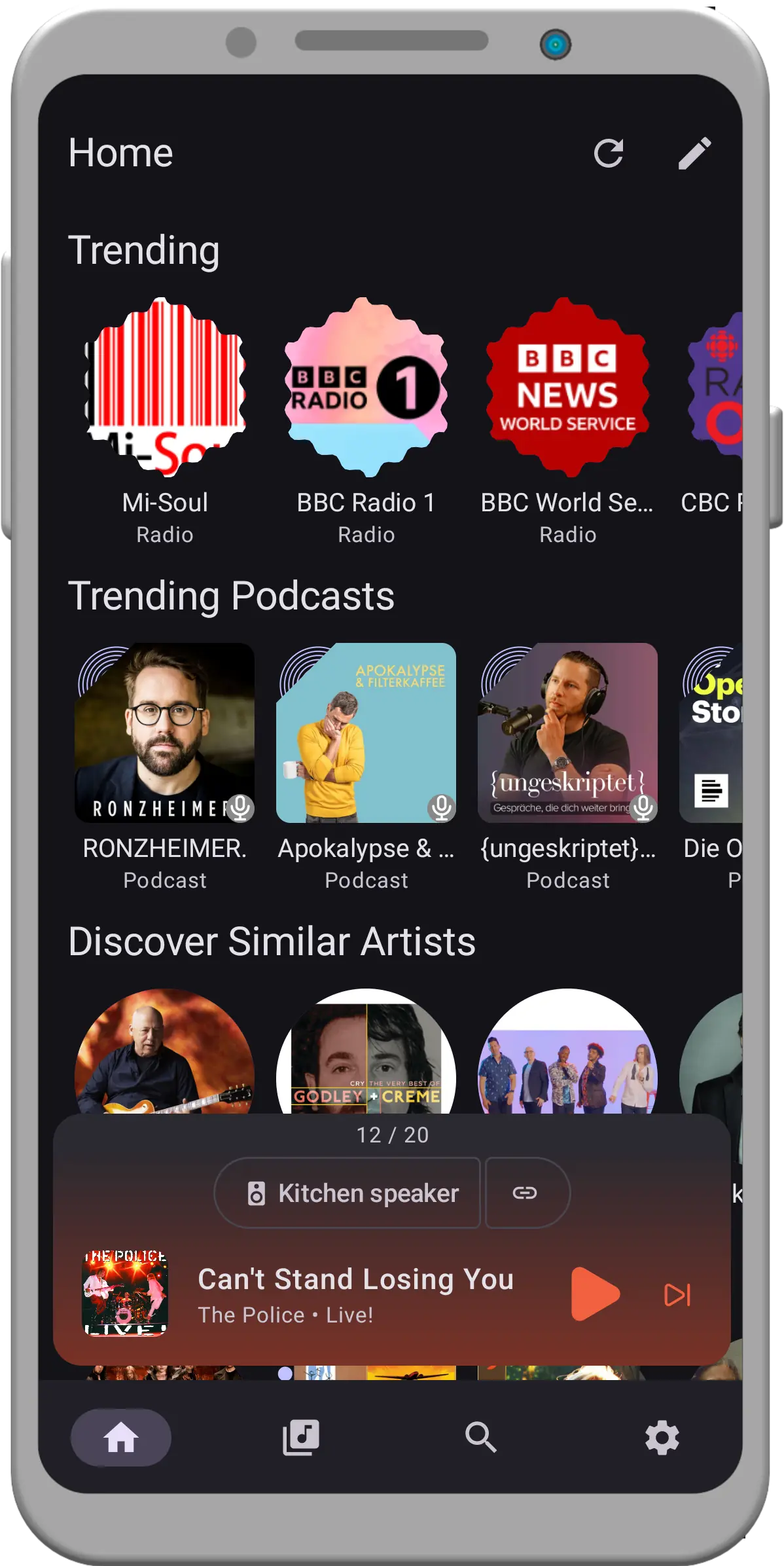
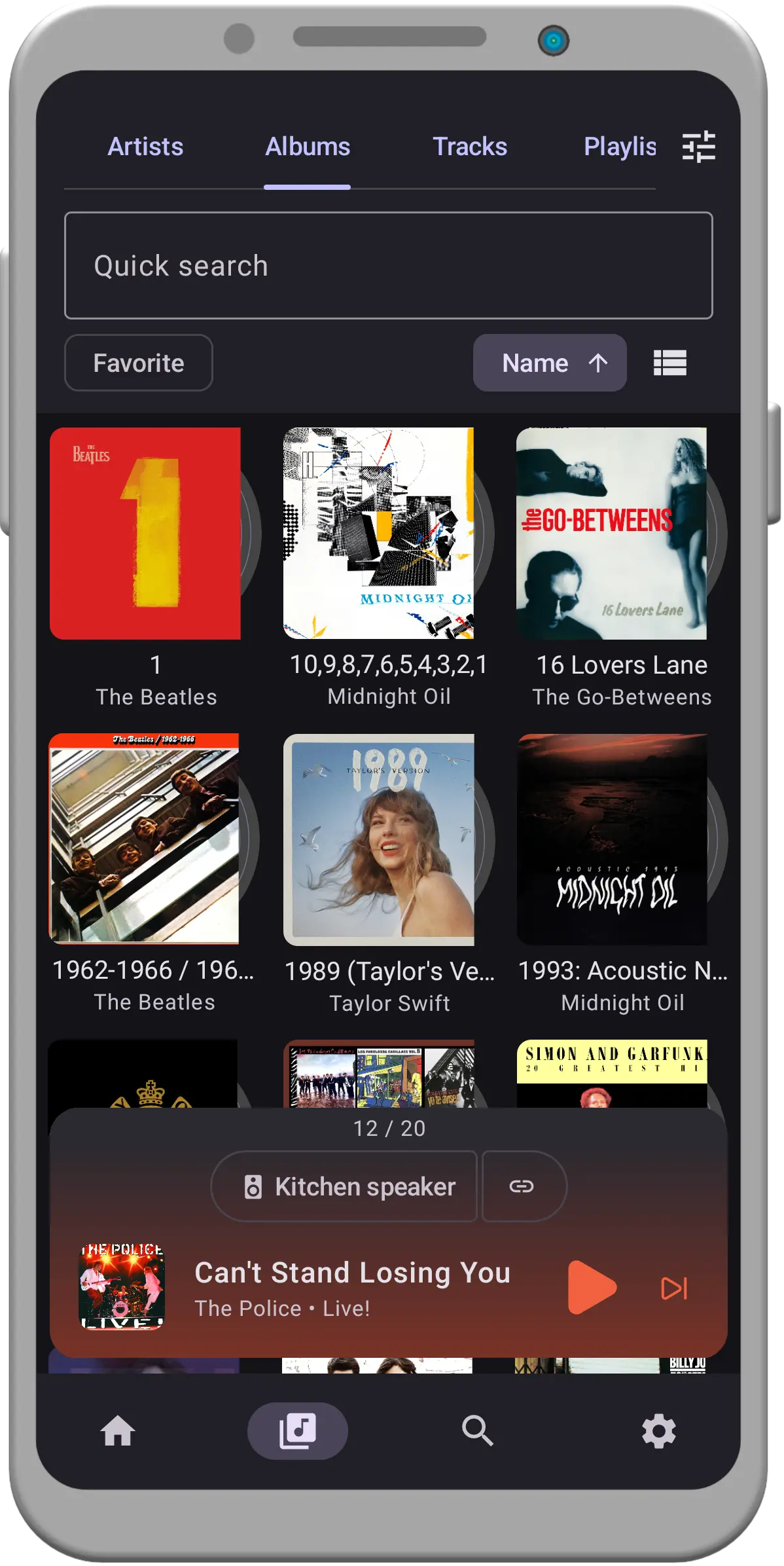
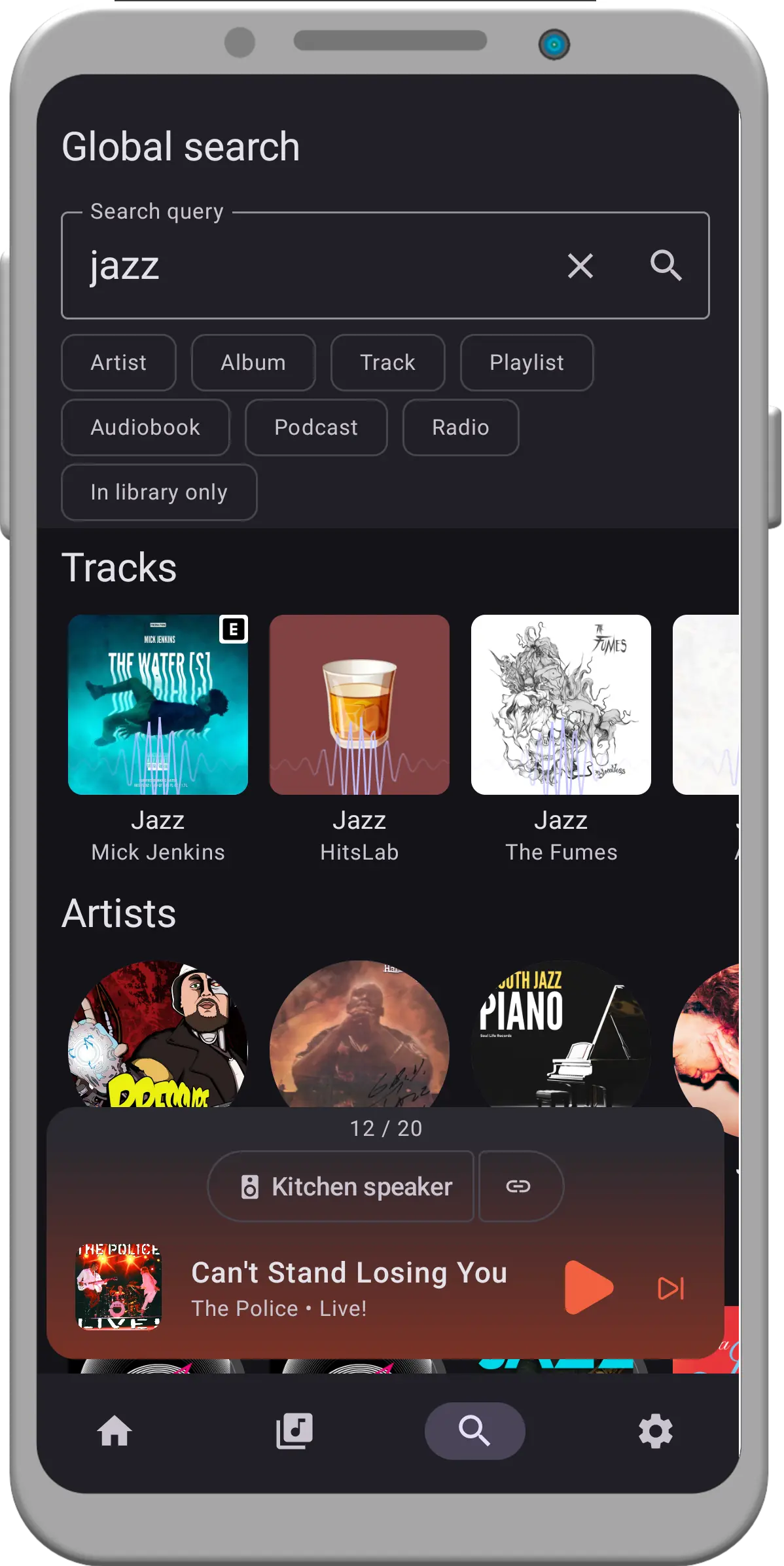
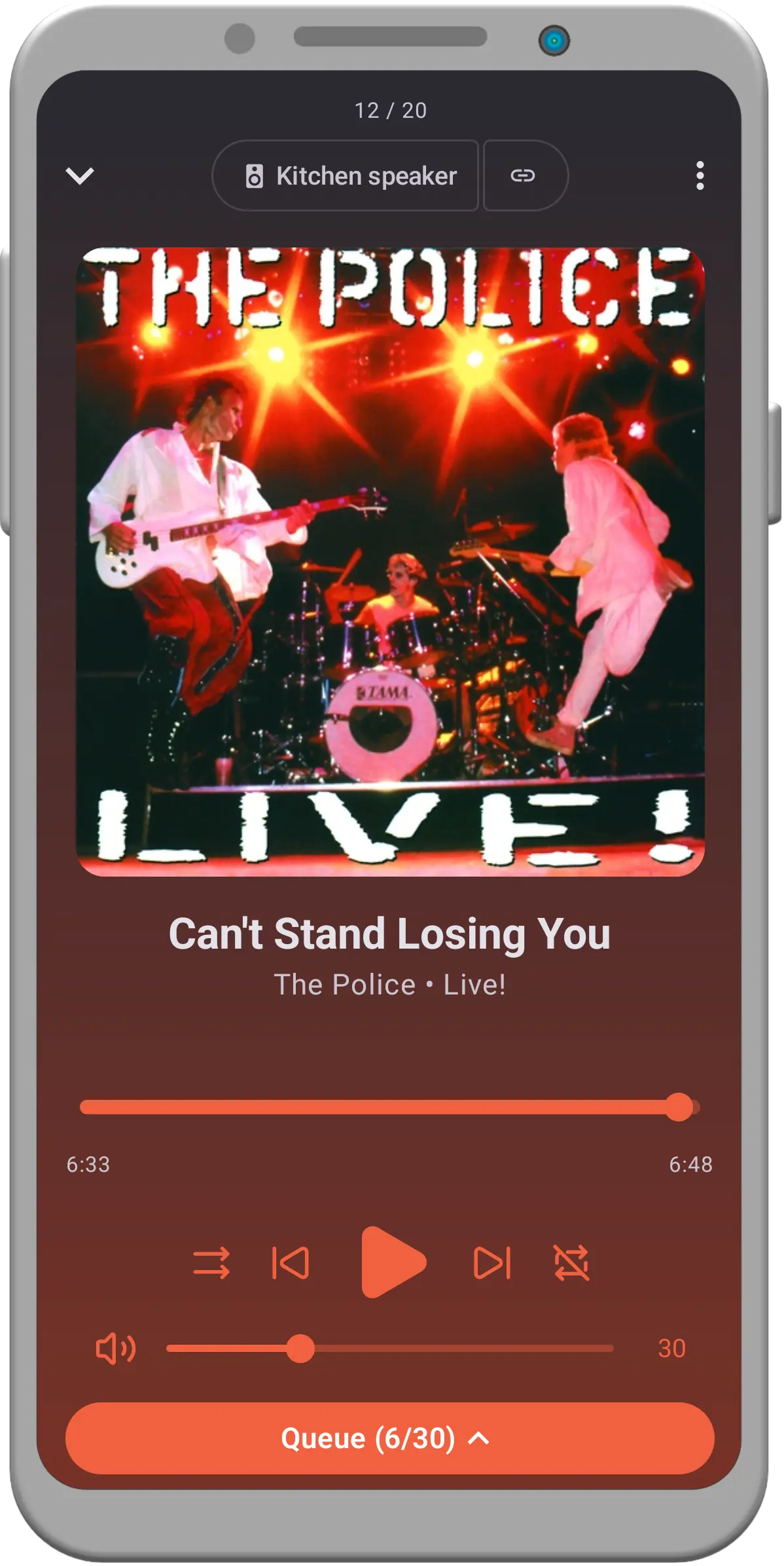
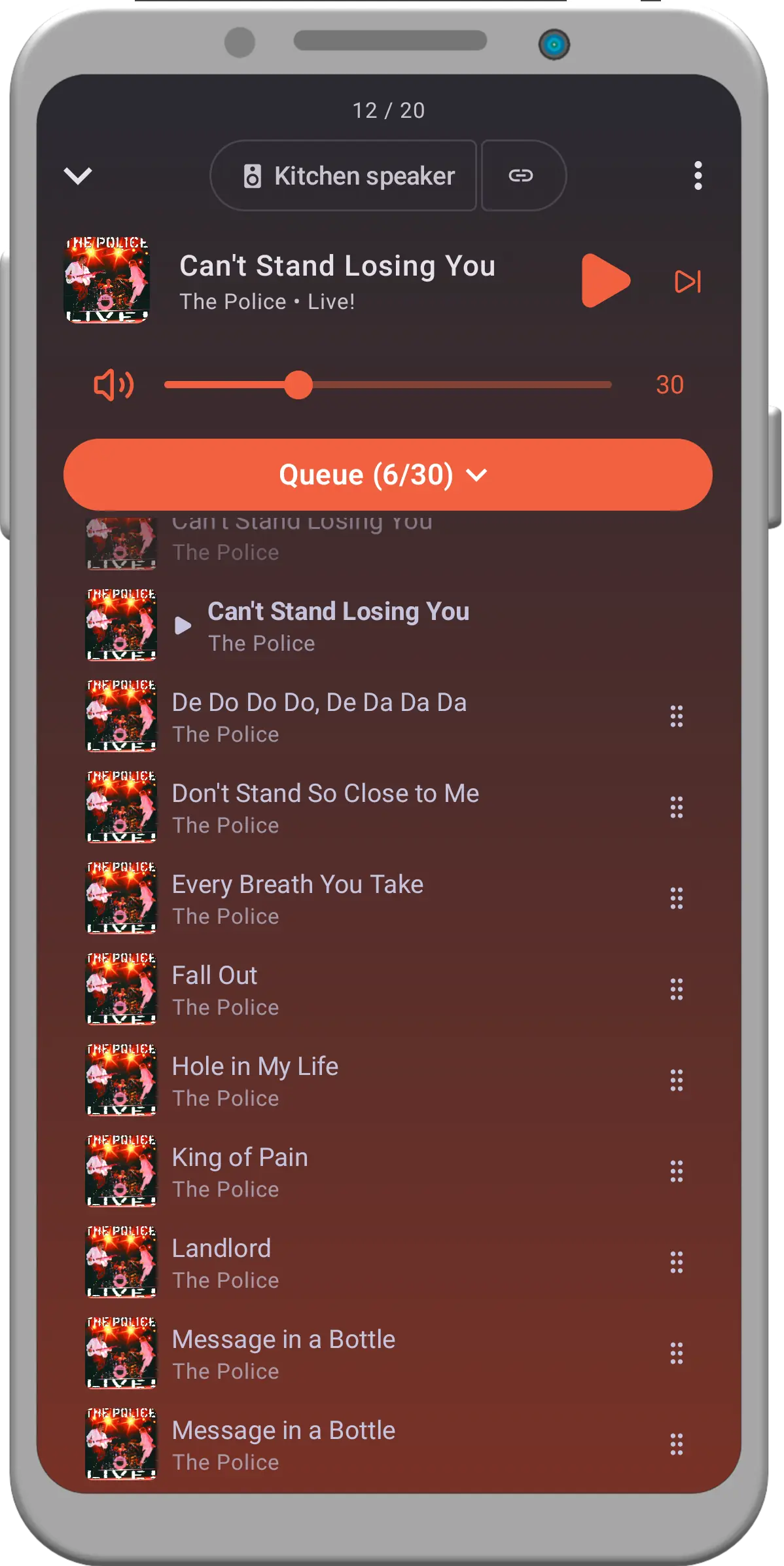
The official mobile apps are still in BETA. Android users wishing to try it out can sign up as a tester on Google Play. iOS users can get the app from TestFlight. More information is available in the Mobile App Repository.
This website uses privacy-first analytics to help us improve the site. You can view all data in our public dashboard.