Apple Music Provider 
Music Assistant has support for Apple Music! Contributed and maintained by MarvinSchenkel
Note
- A paid subscription is required to add this Music Provider.
- Audio playback is not officially supported by Apple, use at your own risk
Features
| Subscription FREE | No |
| Self-Hosted Local Media | No |
| Media Types Supported | Artists, Albums, Tracks, Playlists |
| Recommendations Supported | No |
| Lyrics Supported | No |
| Radio Mode | Yes |
| Maximum Stream Quality | Lossy AAC (256kbps) |
| Login Method | Cookie |
Other
- Searching the Apple Music catalogue
Configuration
The required token can be retrieved automatically by authenticating your Music Assistant instance with Apple Music.
Click the Authenticate with Apple Music button, then in the pop-up window sign in with your Apple ID and authorize Music Assistant to access your Apple Music Library.
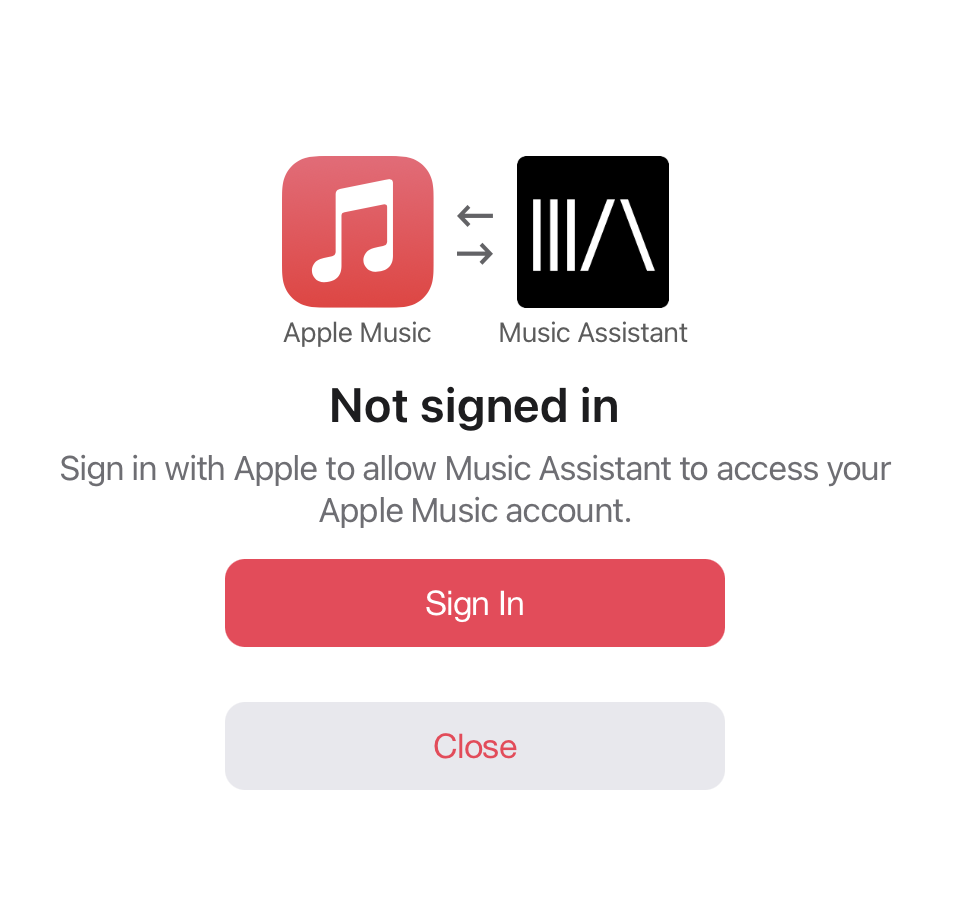
!!! note This token will expire and needs to be re-authenticated manually after 180 days.
Settings
- Manual Music User Token. If the normal authentication flow is unavailable then the token can be added manually here
Instructions for Token retrieval
The token needs to be retrieved through your browser. Instructions were written for Chrome:
- Navigate to https://music.apple.com/
- Go to View > Developer > Developer Tools. A new side window will open.
- Click the 'Application' tab. You might need to expand your window or click the
>>button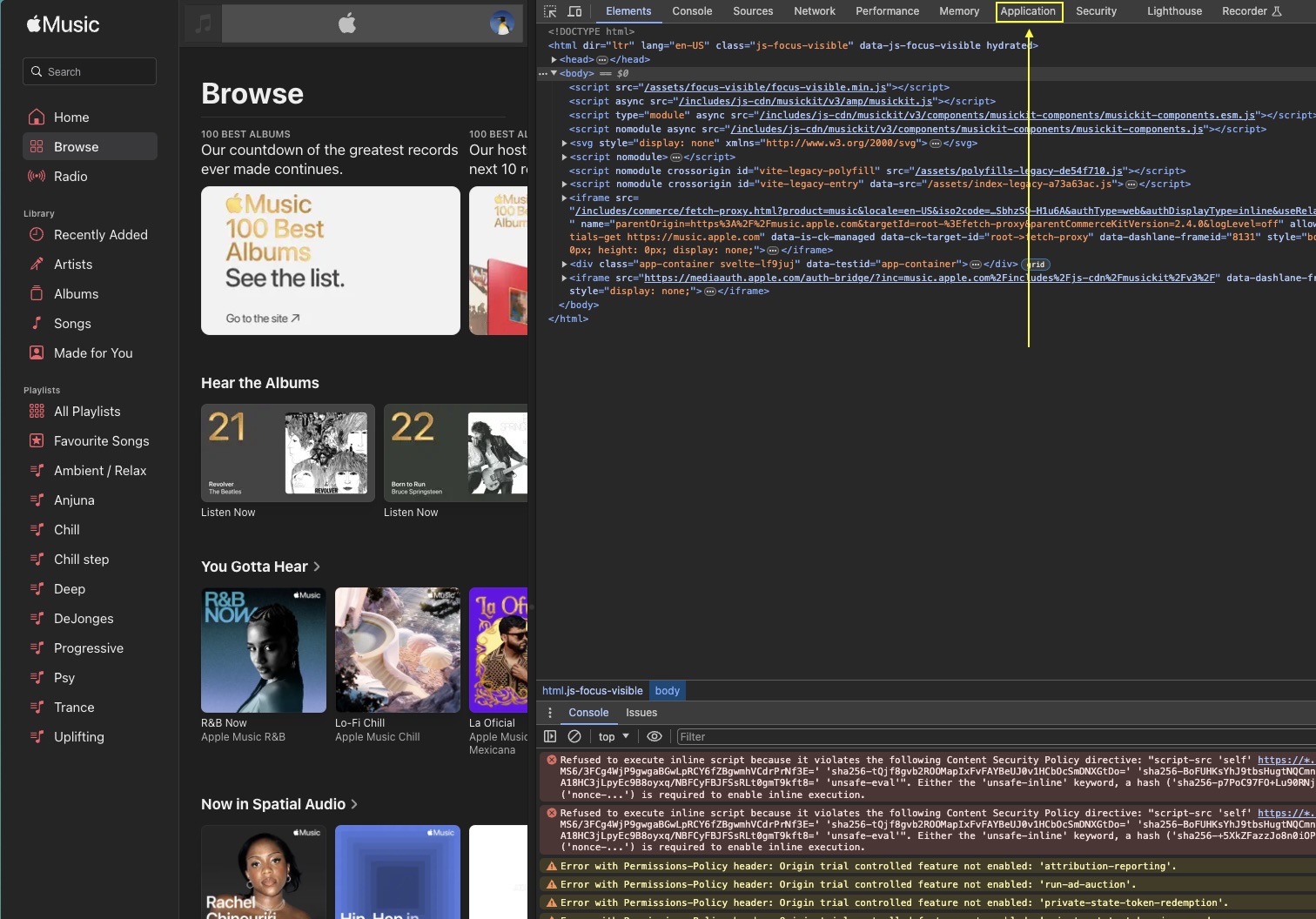
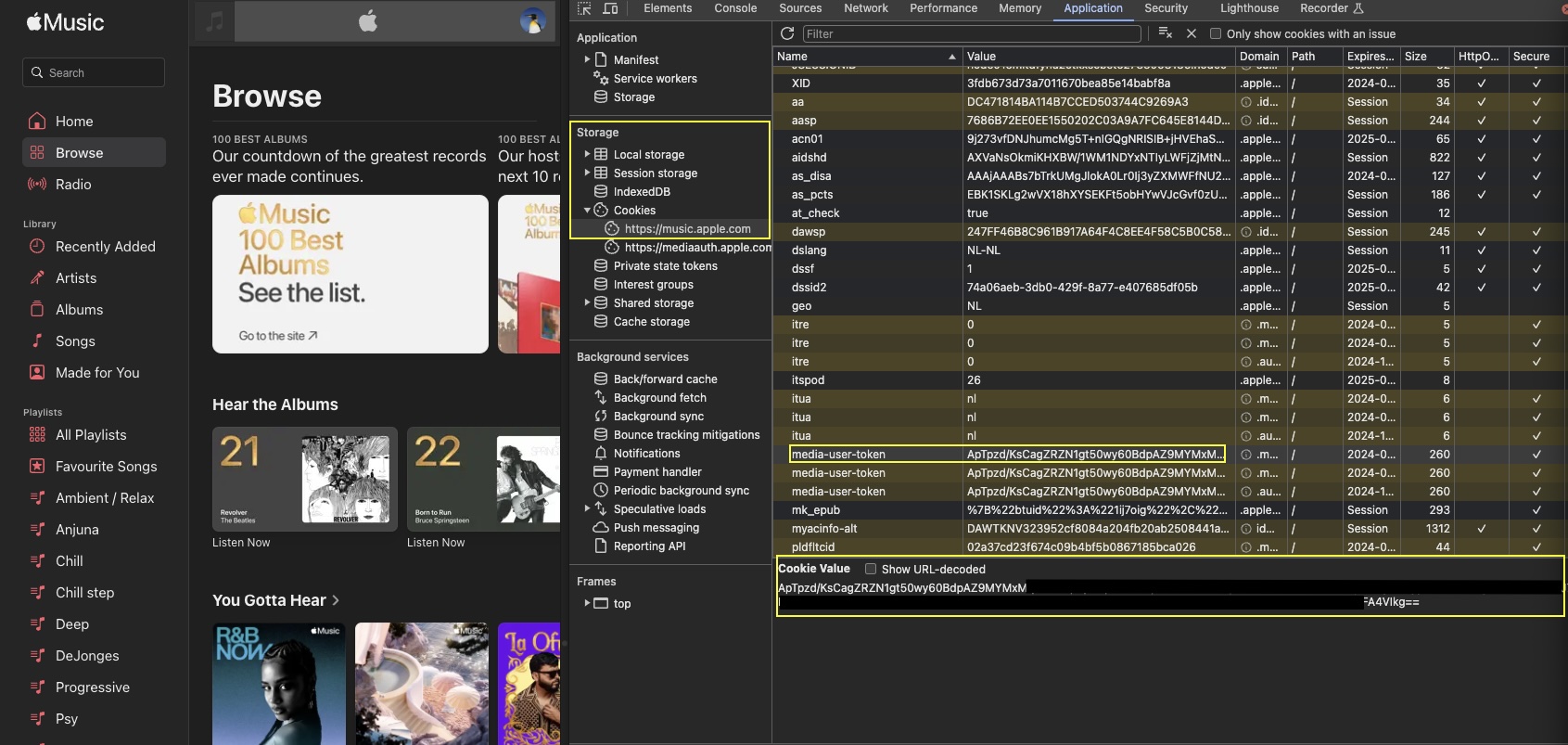
- Under Storage > Cookies, click "https://music.apple.com" and find the entry called "media-user-token"
- Click it and copy the cookie value and use this in Music Assistant as the 'Music user token'
- Currently in order for the callback to work MA must be accessed via the exposed webserver port when setting up this provider. If MA has been installed as an add-on then the port must be manually exposed as described in the core settings. Thus the URL when setting this provider up must be
http://<YOUR_MA_IP>:8095. Once successfully configured the webserver port can be disabled again if desired.
Take note of the "Expires / Max-Age" column. The token will expire on that date and Apple Music within Music Assistant will stop working. The above process must then be repeated to obtain a fresh token.
Known Issues / Notes
- Due to Apple's proprietary encryption (FairPlay), Lossless and Dolby Atmos versions of songs are not supported
- Due to limitations in the API, favouriting an item will only sync back to Apple Music for albums, playlists and tracks
- Due to lack of an offical API, it can take up to 5 secsonds to transition between tracks
Not yet supported
- Library interaction, such as adding and removing items to your Apple Music library from within Music Assistant